Screen share, chat and files
The tools a consult actually needs.
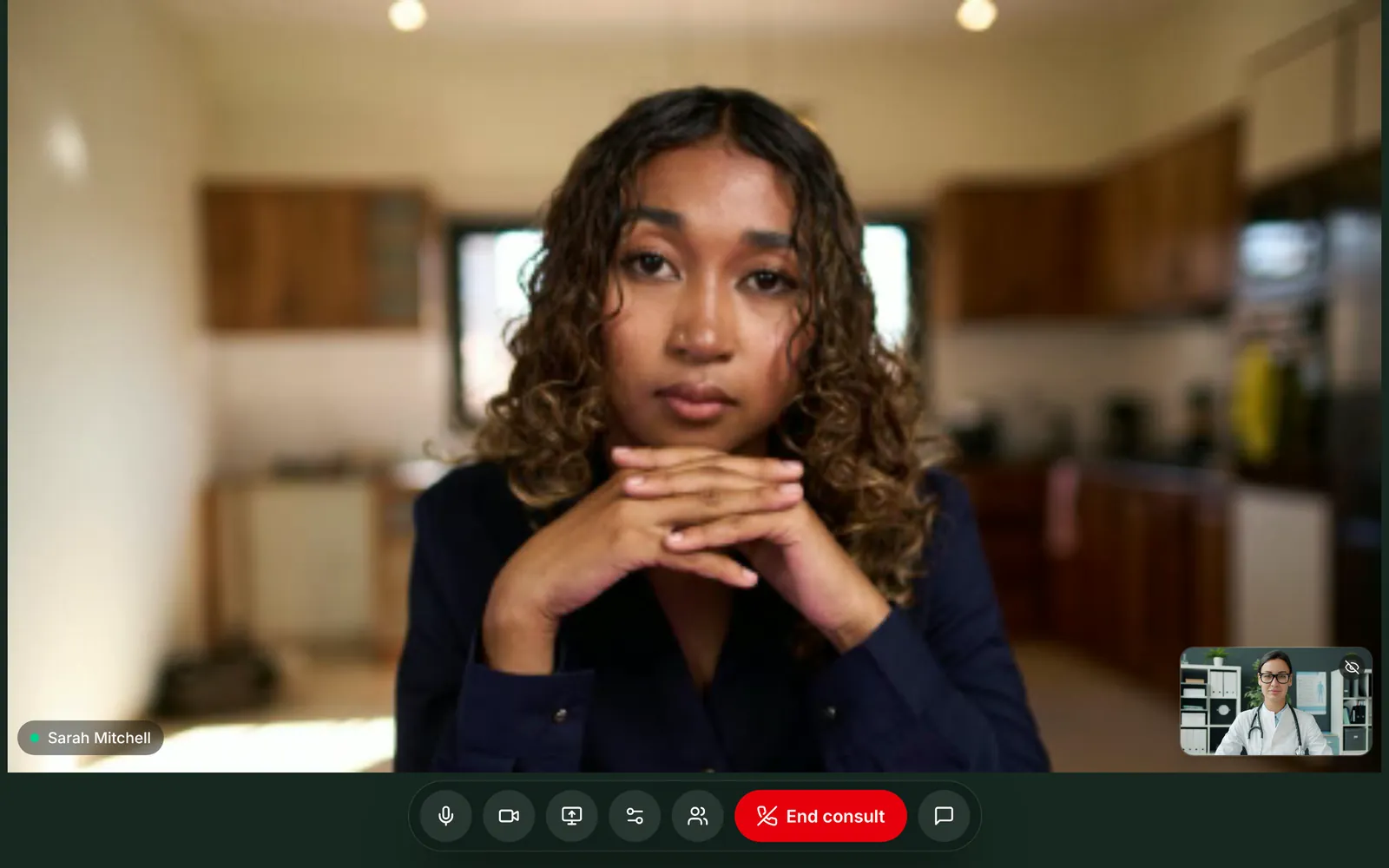
Chat, photos and PDFs
Open the chat to send a message, or use the paperclip to send a photo or PDF up to 4 MB. A patient can show you a rash; you can send them a document. Messages and files are saved to the consult.
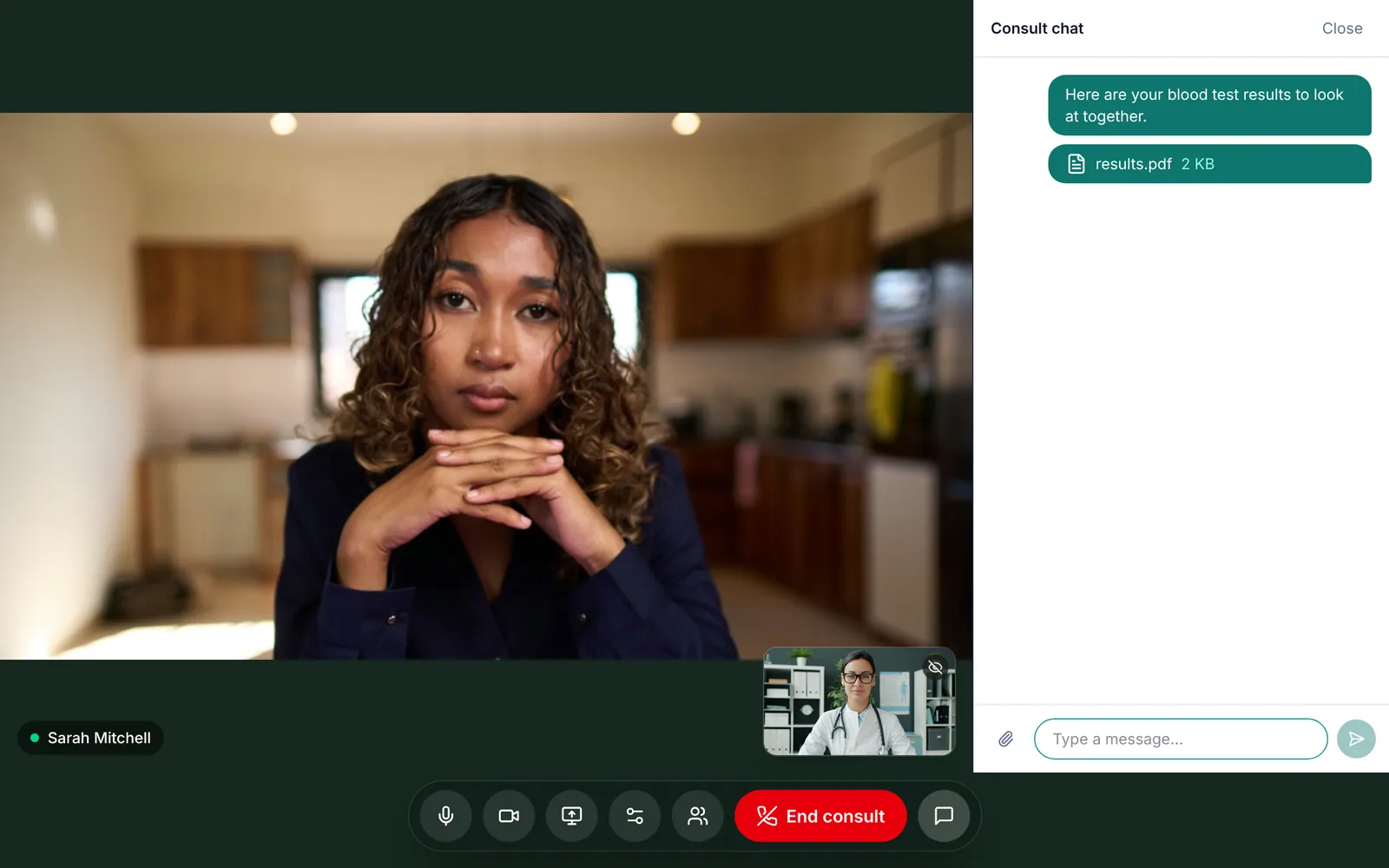
Share your screen
Go through blood test results, imaging or a care plan together. Press Share screen, pick a window or tab, and press it again to go back to your camera. Screen sharing works in desktop browsers; phones and tablets don't support it.
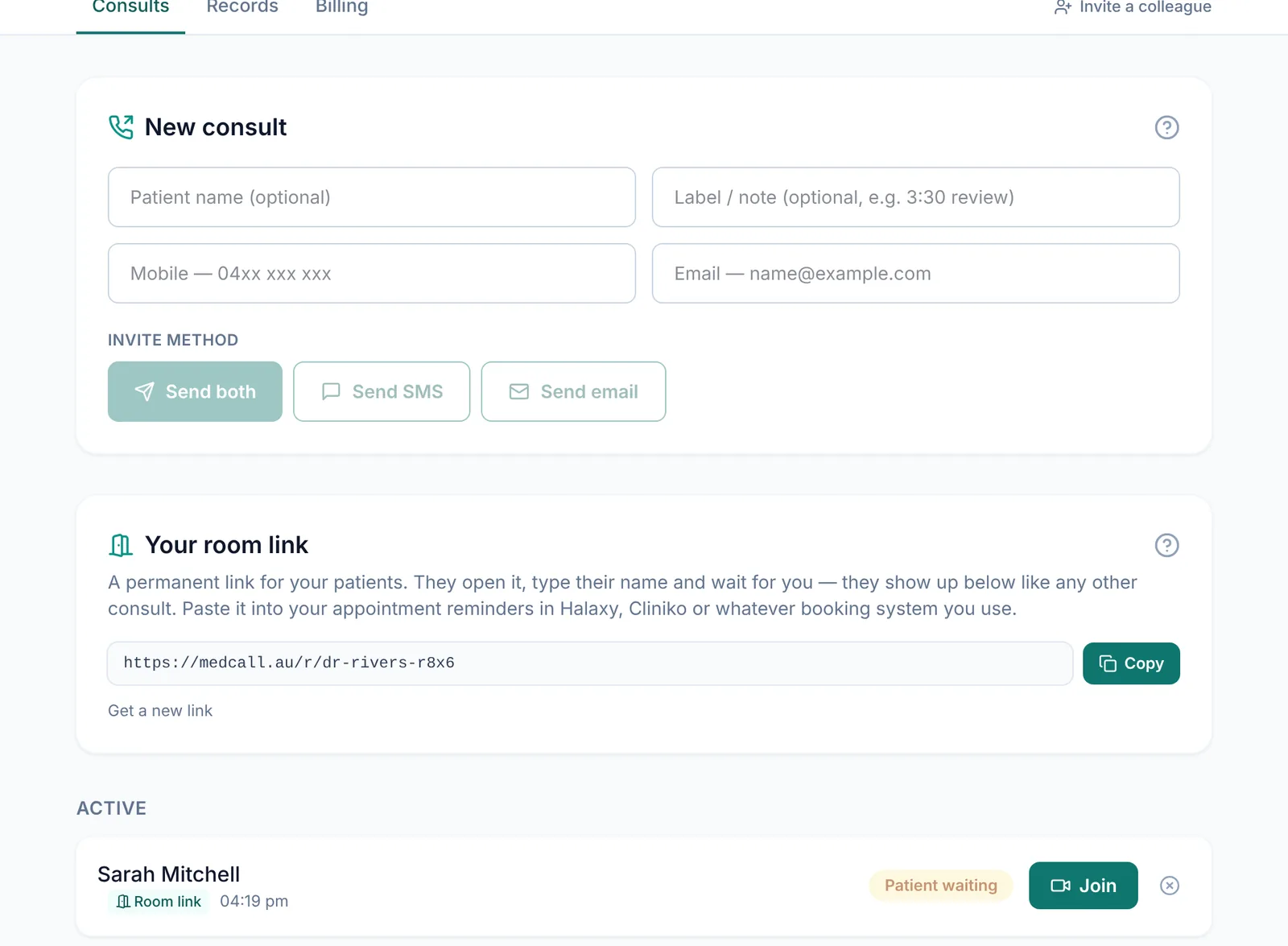
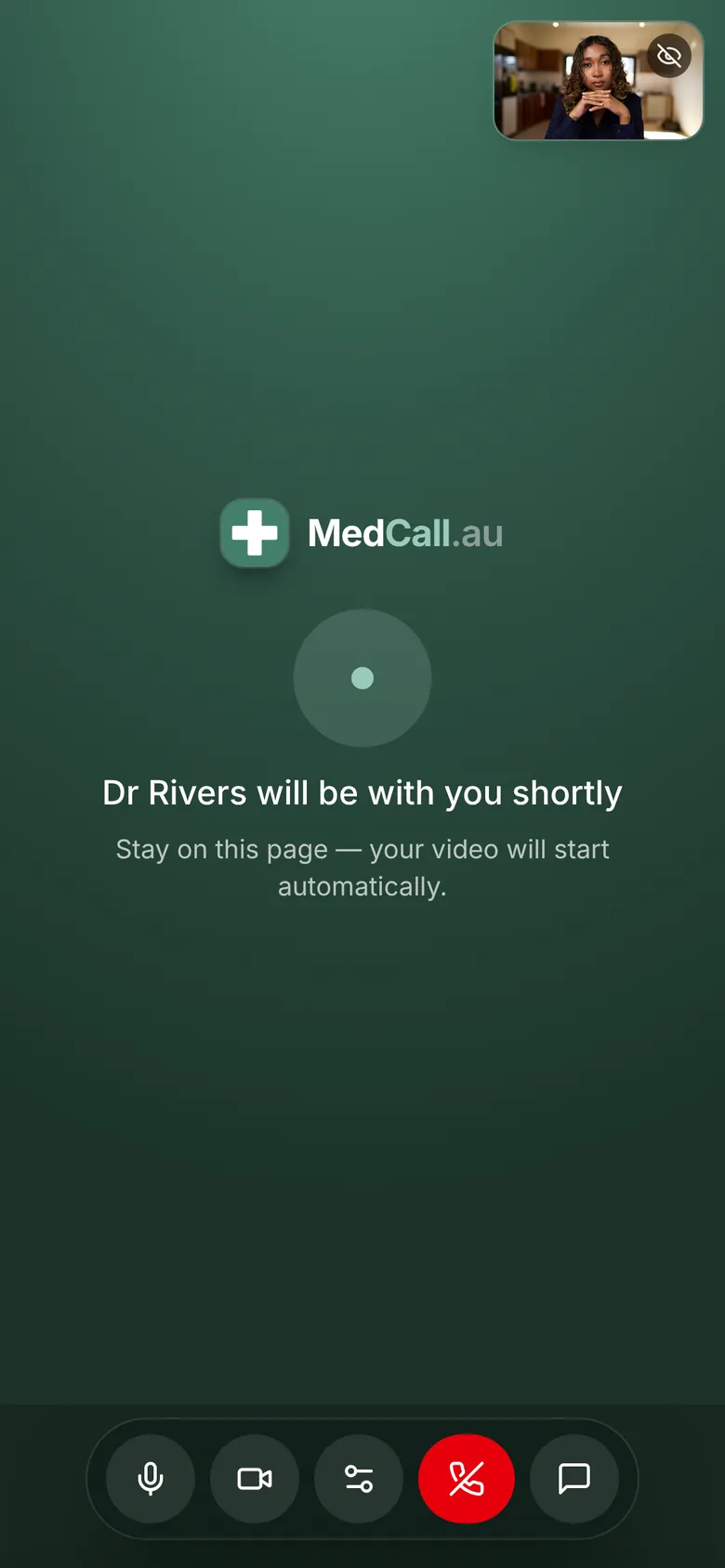
A waiting room and a live dashboard
Patients wait on a page that says you'll be with them shortly. Your dashboard shows each consult as Invite sent, Patient waiting or In progress. When someone's waiting, the badge pulses and the dashboard plays a chime. If you're in another tab, the tab title flashes.
And the small things
Switch devices mid-call
Hide your self view
Connection indicator
Reconnects by itself
Follows the patient
Device check
Questions
What files can be sent in the chat?+
Photos and PDFs, up to 4 MB each.
Who can see the chat?+
You and your patient. People you add to a group call don't see the chat.
Can I share my screen from an iPad?+
No. Screen sharing works in desktop browsers like Chrome, Edge and Safari on a computer. Phones and tablets don't support it.
More of what MedCall does
See your patients today.
1-month free trial, no card needed. Your first consult is one message away.
Start free trial