Room links
One link that goes out with every booking.
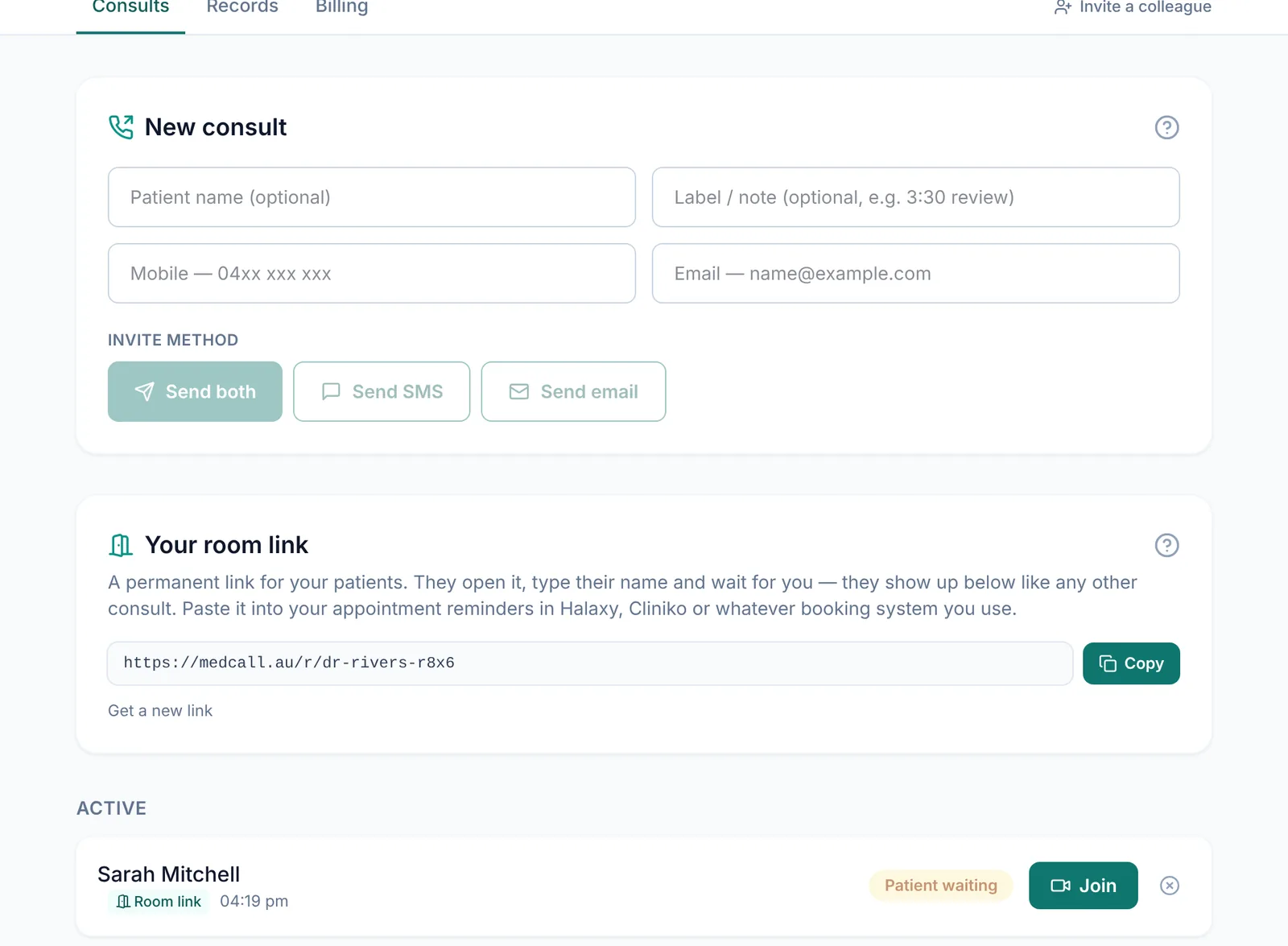
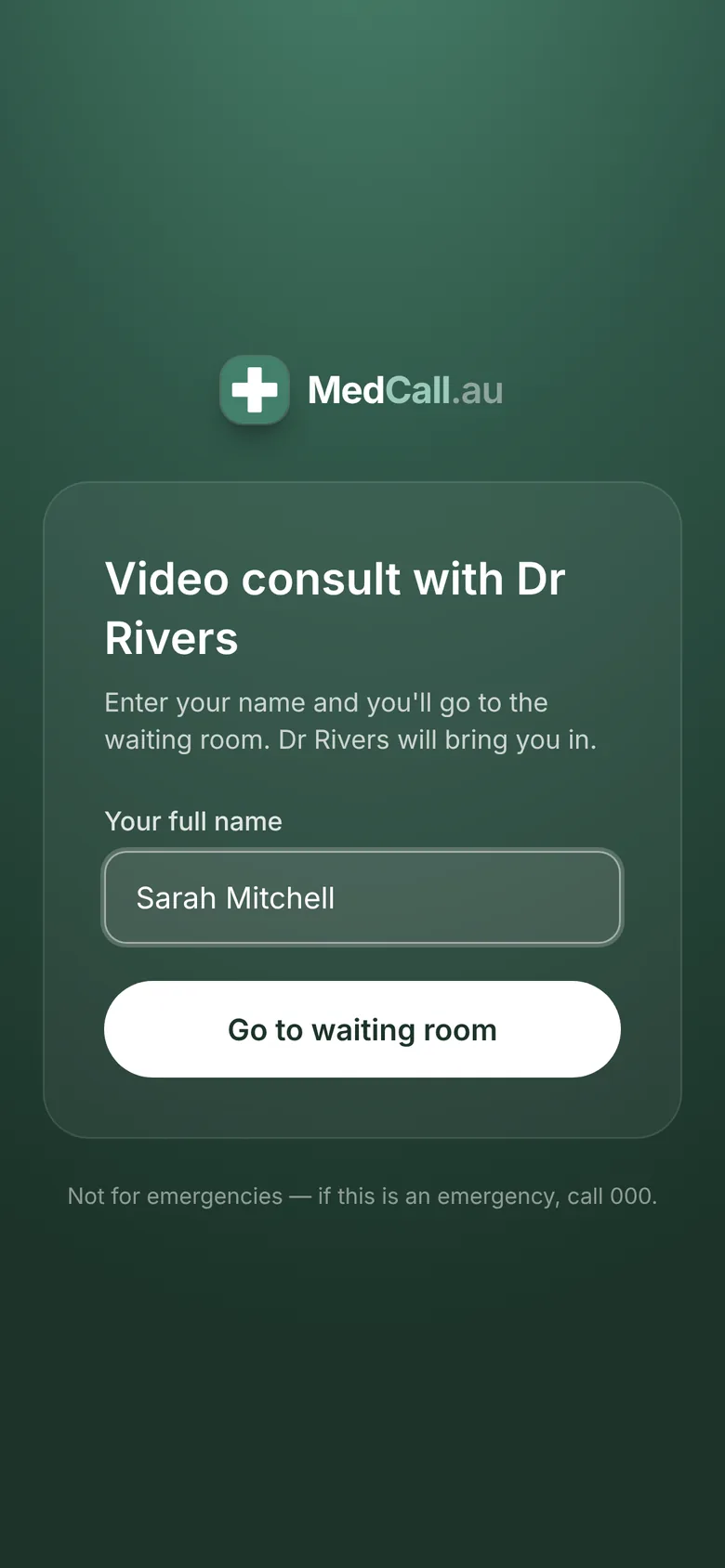
Your own link, on your dashboard
Find it on the Consults tab under Your room link. It looks like medcall.au/r/dr-jo-rivers-7k2q and it doesn't change. Copy it once and paste it wherever your patients get their appointment details.
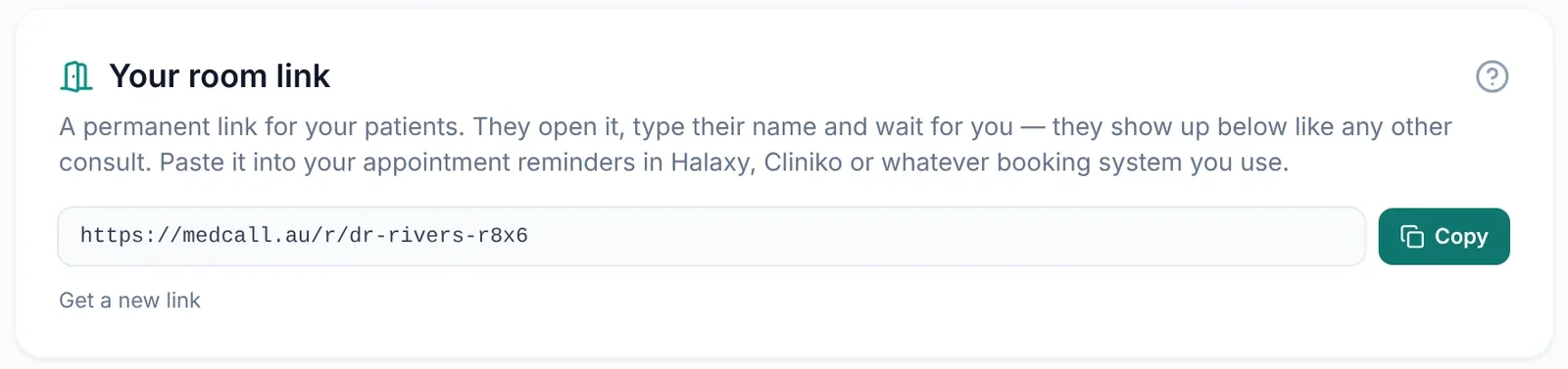
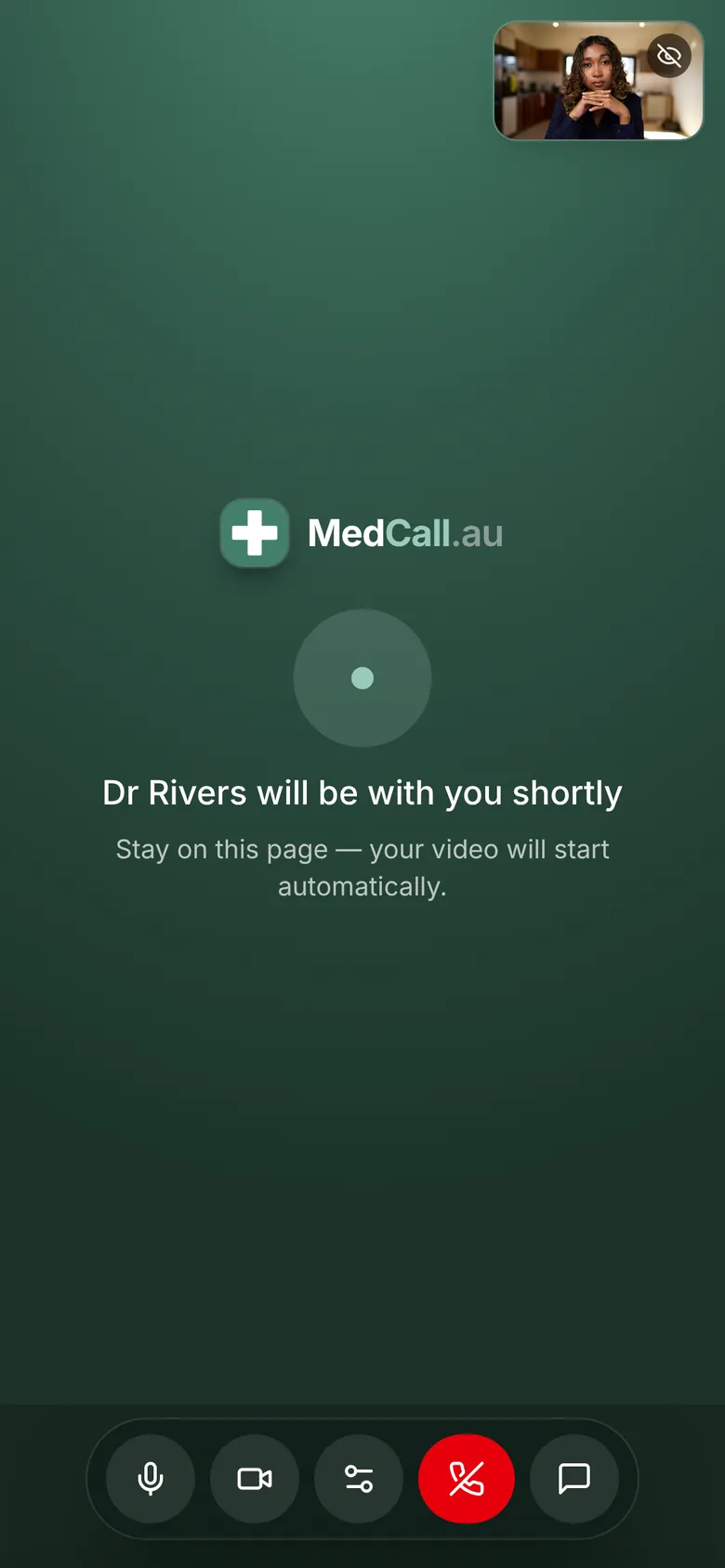
Patients wait in your waiting room
They open the link, type their name and tap Go to waiting room. No app and no account. They show up in your Active list with a Room link tag, and you press Join when you're ready.
Works with the software you already use
Most practice systems can put text into appointment confirmations and reminders. Add your room link and it goes out with every telehealth booking. Our integrations page has the steps for Halaxy, Cliniko, Zanda, Nookal, Best Practice, MedicalDirector and others.
- Each doctor has their own link, so set reminders up per doctor
- Booking, notes and billing stay in your practice software
- Get a new link any time and the old one stops straight away
Good to know
Room link or a one-off invite?
If a link gets shared
It's on the record
Questions
Do patients need to book through MedCall?+
No. Booking stays in your practice software. The room link is just where patients go at appointment time.
Does each doctor need their own link?+
Yes. A doctor's link brings patients to that doctor's waiting room, so each doctor's reminders need to carry their own link.
Will my practice software accept the link?+
Most systems let you type text, including a web address, into reminder templates. Send a test booking to your own phone first to check the link comes through and opens.
More of what MedCall does
See your patients today.
1-month free trial, no card needed. Your first consult is one message away.
Start free trial