Group calls
Bring a carer, interpreter or colleague into the call.
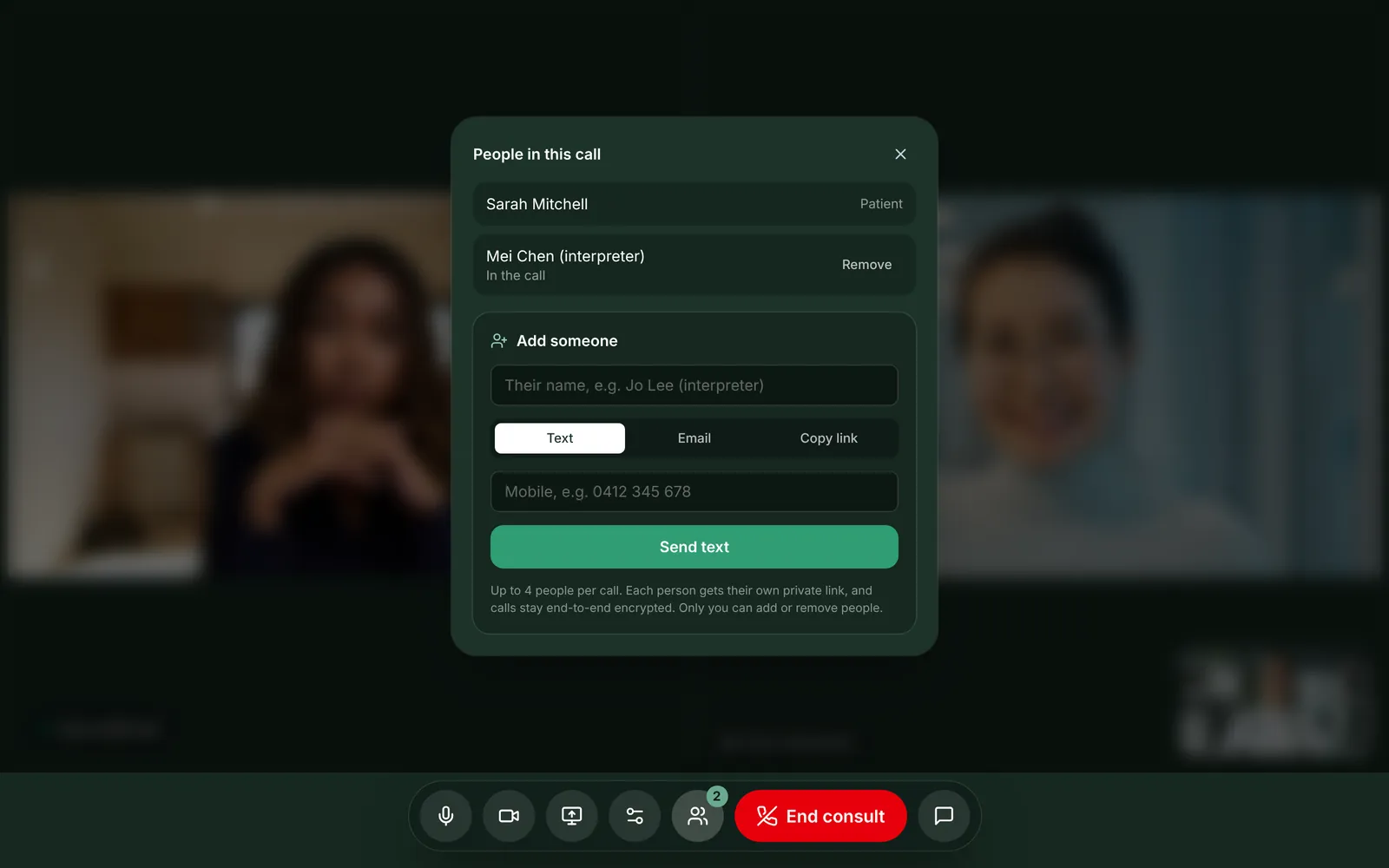
Add someone in a few seconds
In the call, press People, type their name and role, then send their link by text or email, or copy it and send it yourself. They appear in the call when they open it and press Join consult.
- Add people before the patient arrives
- Nobody else connects until you're in the call
- Text, email or copy the link
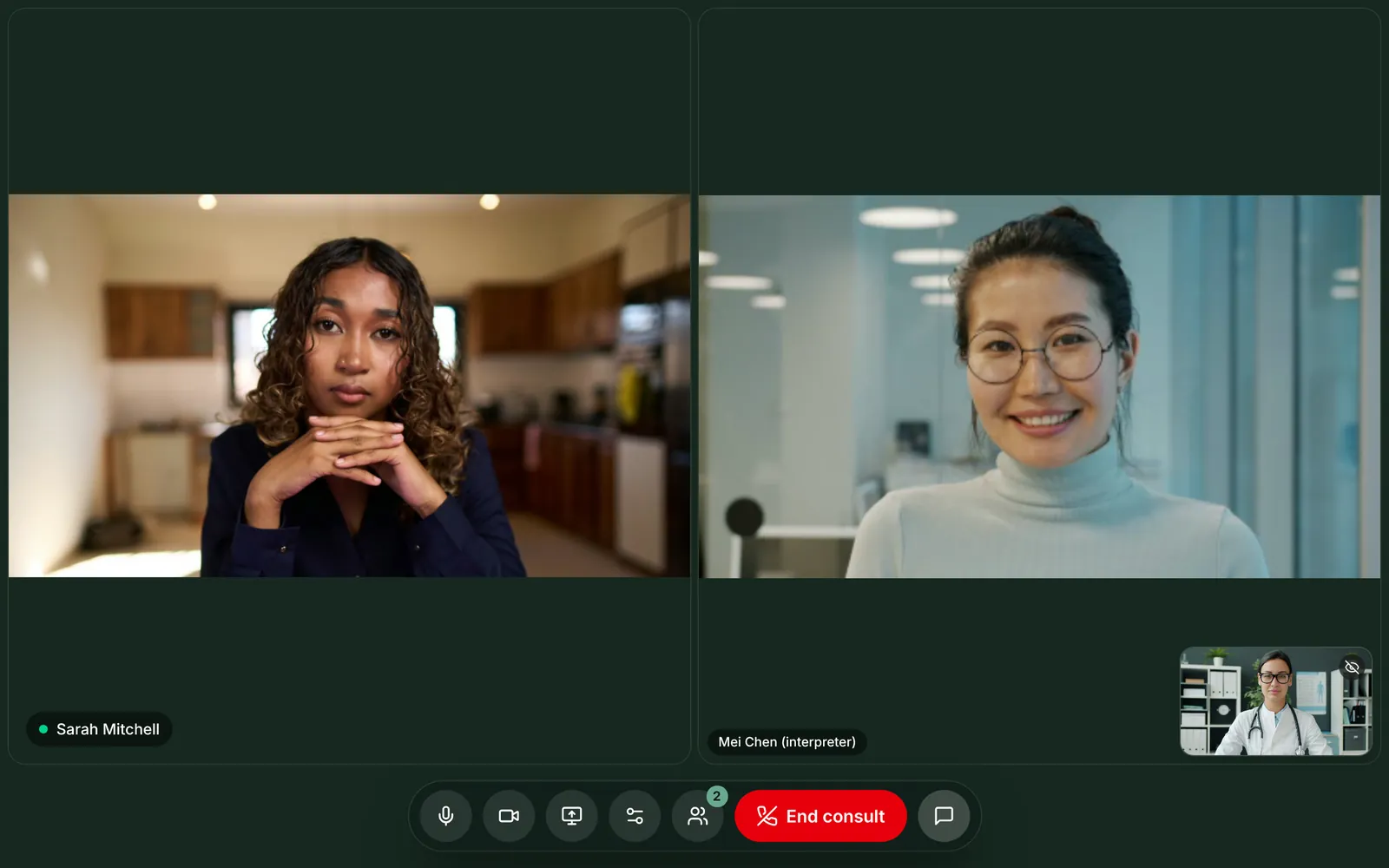
Everyone sees everyone
On a computer, people sit side by side. On a phone, they stack. Each extra person adds another video stream, so MedCall lowers the picture quality slightly to keep the call smooth on phones.

You stay in control
Only you can add or remove people. Remove someone and they drop out within a few seconds, and their link stops working. Guests don't see the consult chat, so it stays between you and your patient.
- Patients and guests can't invite anyone
- Each guest has their own link and never sees the patient's
- The call record shows who joined, and when they joined and left
Who clinicians add
Interpreters
Parents and carers
Other clinicians
Family
Questions
Is a group call still encrypted?+
Yes. Every browser in the call connects directly to every other, and each connection is end-to-end encrypted. Nothing is recorded.
Does adding people cost extra?+
No. Group calls are included in the per-doctor monthly price. The people you add don't need an account.
How many people can be in a call?+
Up to 4: you, the patient and two more.
Can the patient add someone?+
No. Only the clinician can add or remove people.
More of what MedCall does
See your patients today.
1-month free trial, no card needed. Your first consult is one message away.
Start free trial