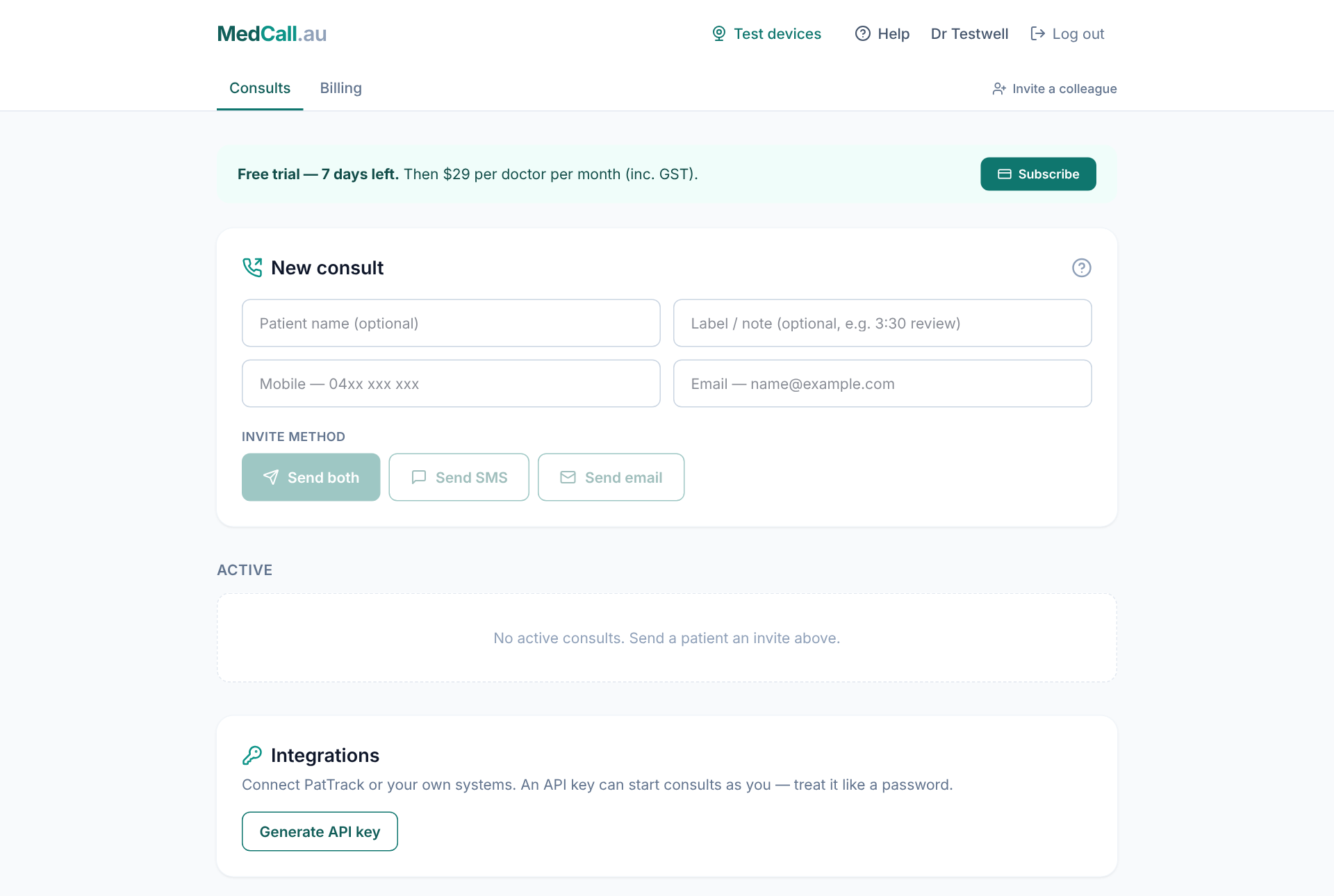
MedCall runs secure video consults in the browser. You text or email your patient a link, they tap it, and you’re in the call. Nobody installs anything.
1. Create your account
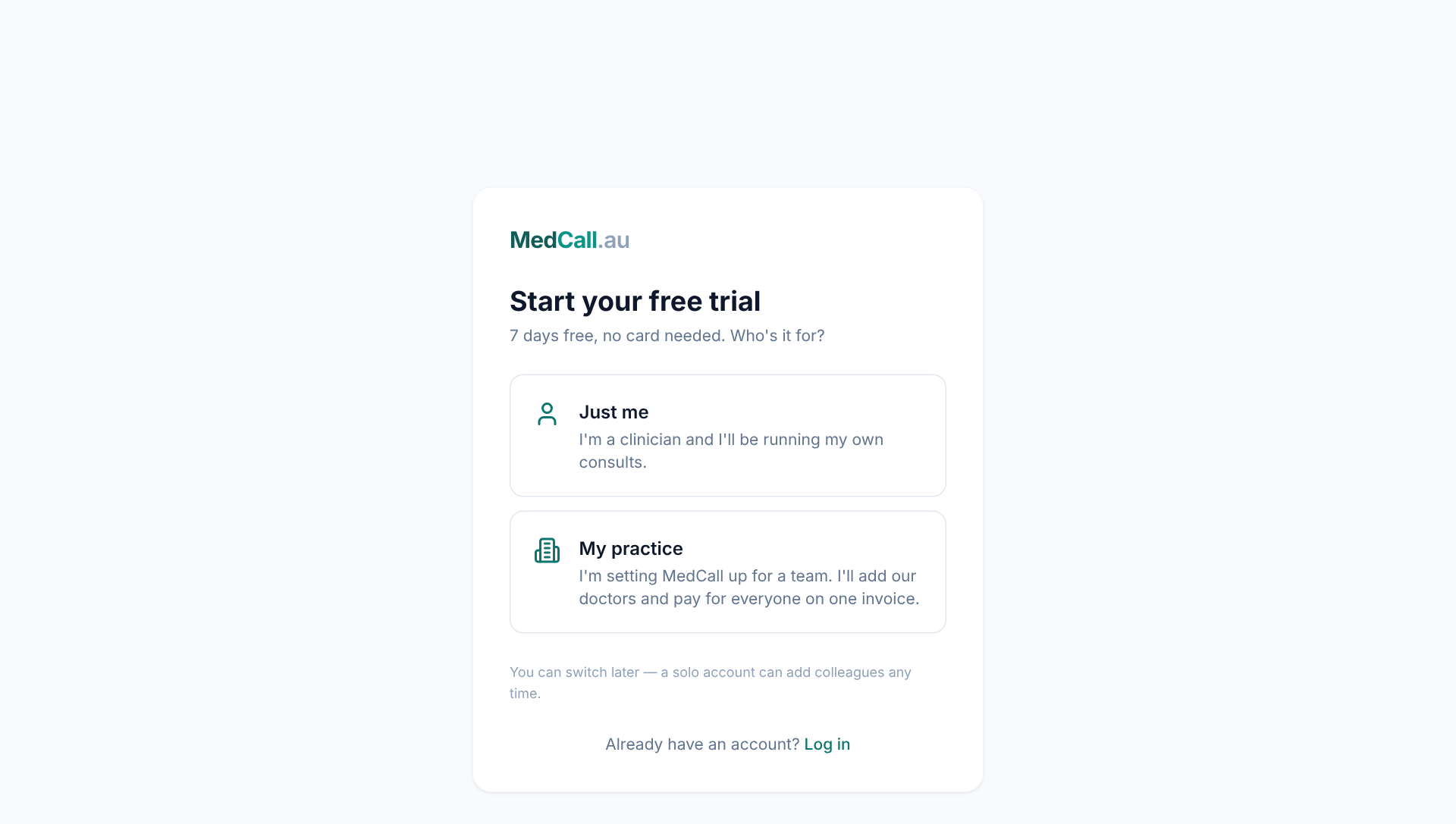
Go to medcall.au/signup and choose how you’re setting up:
- Just me — you’re a clinician running your own consults.
- My practice — you’re setting MedCall up for a team and will add your doctors.
Not sure? See Solo or practice account. You can switch later.
2. Confirm your email
We email you a link to confirm your address. Click it and your account goes live. Your 1-month free trial starts at that moment. No card is needed.
3. Check your camera and microphone
Open Test devices from the top of your dashboard. It checks your camera, microphone, speakers and connection in about 10 seconds.
4. Send your first consult
On the Consults tab, enter the patient’s mobile or email and press Send SMS, Send email or Send both. When they open the link you’ll see Patient waiting and hear a chime. Press Join. See Run your first consult for the full walkthrough.