Each consult has a single secure link. You choose how it reaches the patient.
Sending
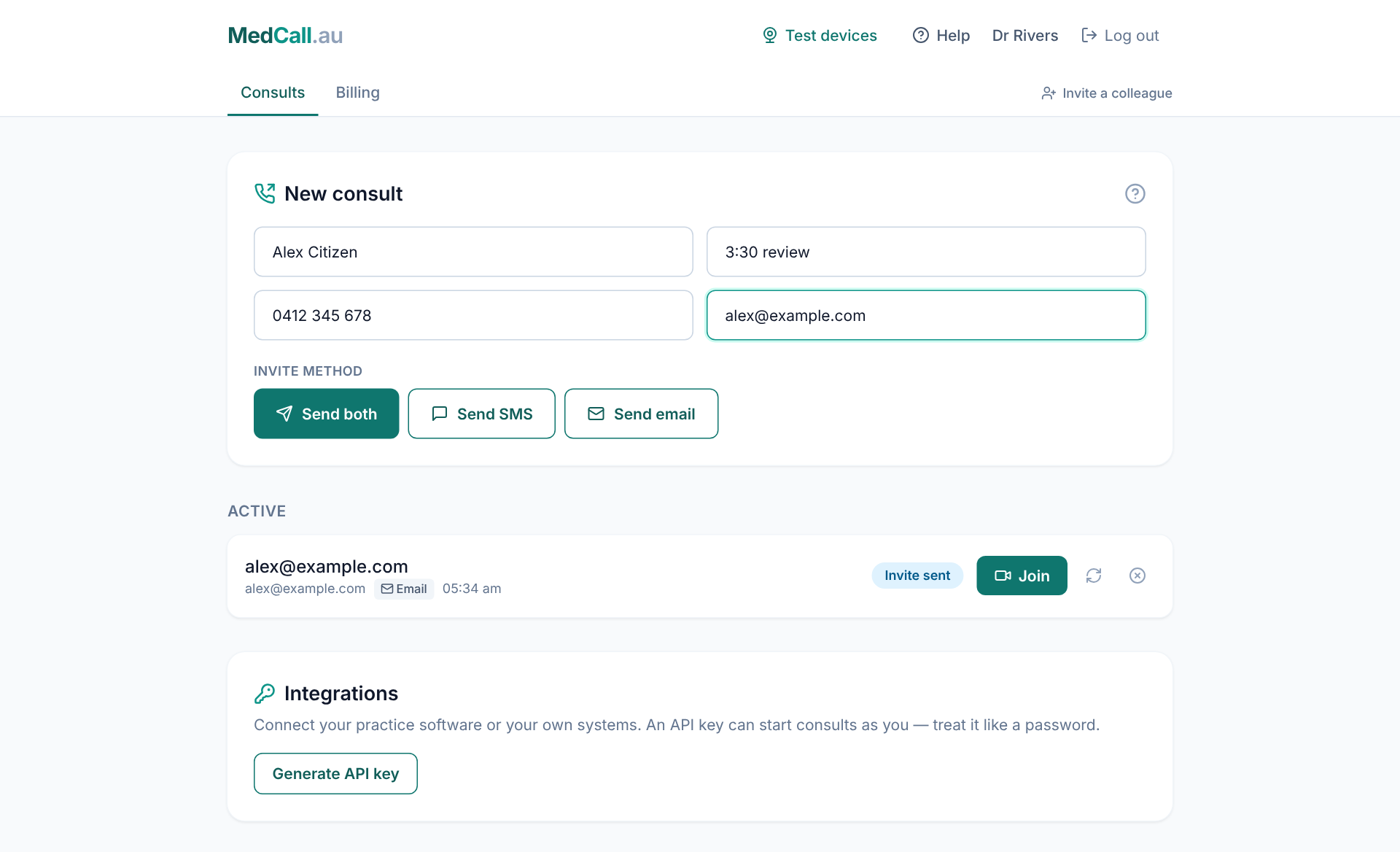
On the Consults tab, enter the patient’s mobile (an Australian mobile, like 0412 345 678), their email, or both. Then press:
- Send SMS to text the link
- Send email to email it
- Send both to do both at once
Adding the other channel later
Sent a text and the patient would rather have an email? Add their email and press Send email. It goes to the same consult and the same link — it doesn’t create a second consult.
To start a consult for someone else, press New patient to clear the form.
Resending
Under Active, press the circular arrows next to a consult to resend the invite on every channel it was already sent by.
How long links last
A link works for 24 hours, or until the consult is ended or cancelled. See Ending a consult and your history.